
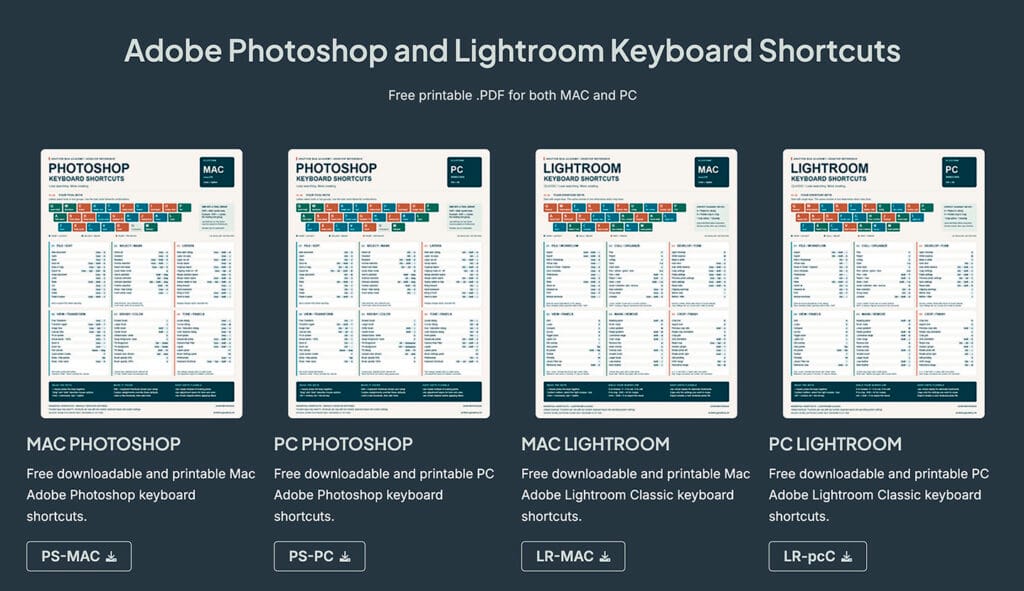
Adobe Photoshop and Lightroom Keyboard Shortcuts
Adobe Photoshop and Lightroom Keyboard ShortcutsFree printable .PDF for both MAC and PC MAC PHOTOSHOPFree…

Understanding Color Gamut in Photography
https://youtu.be/ROi9W68bu3M Understanding Color Gamut in Photography Color is one of the most critical aspects of…
Photoshop Proofing for Protanopia and Deuteranopia Color Blindness
Original Full Colored Image Protanopia (Red-Blind) Simulation Deuteranopia (Green-Blind) Simulation Photoshop Proofing for Protanopia and…

Perfect Colors: Monitor Calibration Like a Pro!
Perfect Colors: Monitor Calibration Like a Pro! https://youtu.be/wyZVNqWl8gQ What is Monitor Calibration and Why is…
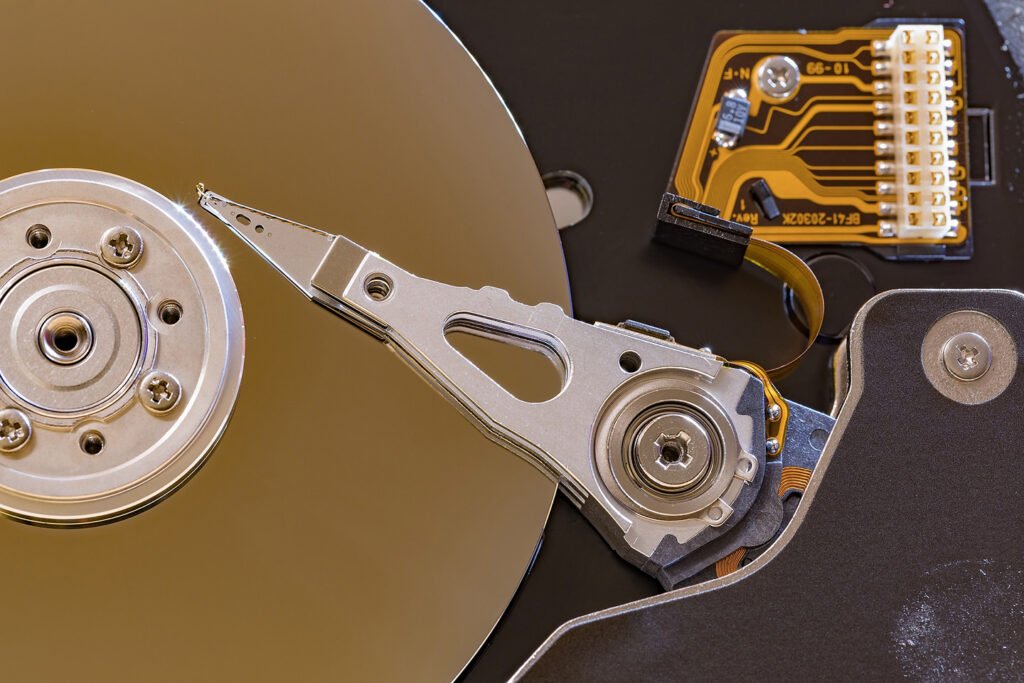
Hard Disc Drive (HDD) verses Solid State Drive (SSD)
Hard Disc Drive (HDD) verses Solid State Drive (SSD) What is a Hard Drive and…

Computer Specifications to Run Adobe Software?
Computer Specifications to Run Adobe Software? What computer specifications do you need to run Adobe…
Computer Tech for Photographers
Your camera captures the photograph, but your computer is where much of the work continues. It is where you organize images, evaluate color, refine your edits, prepare prints, and save the photographs you have spent time creating. Understanding the technology behind those tasks can make your photography workflow more reliable and less frustrating.
Computer Tech for Photographers explores the computer side of photography in plain language. From monitors and storage to file formats and editing performance, the goal is to help you understand what matters, make informed decisions, and feel more confident working with your digital images.
Understanding Your Photography Computer
Computer specifications can be confusing. Processors, memory, graphics hardware, and storage all serve different purposes, and a higher number in one category does not automatically mean a better photo-editing experience.
The demands of your work matter. Editing individual photographs is different from building large, multilayered Photoshop files, merging panoramas, or processing hundreds of images from a session. Understanding how you work helps you identify what your computer needs—and where an upgrade might make a useful difference.
A good photography setup should support your workflow, your budget, and the kinds of files you create.
Monitors, Color, and Editing Confidence
Your monitor influences nearly every editing decision you make. You use it to judge brightness, contrast, color, and detail. If its display is misleading, you may make adjustments that solve a screen problem while creating a problem in the photograph.
A photograph that looks too warm on an inaccurate display may tempt you to cool it unnecessarily. A screen set excessively bright may encourage you to make your images too dark.
Understanding monitor settings, calibration, color profiles, and your viewing environment helps you make more consistent decisions. It also helps explain why a photograph can look different on another screen or in a print.
Storage, Organization, and Protecting Your Photographs
As your image collection grows, storage becomes an essential part of your photography workflow. Original files, layered edits, catalogs, and exported images all need a clear place to live.
Organization makes those files easier to find. Consistent folder names and a repeatable import process can save you from searching through scattered drives or wondering which version is the finished image.
Protecting those files requires more than simply moving them to an external drive. If that drive holds the only copy, it is storage—not a backup. Keeping separate copies of important photographs and editing work helps protect the time and effort invested in them.
File Formats and Image Quality
RAW, JPEG, TIFF, PSD, and other image formats serve different purposes. The right choice depends on whether you are preserving an original, keeping an editable master, sending a photograph to print, or preparing an image for a website.
File size alone does not tell the whole story. Compression, pixel dimensions, bit depth, color profiles, and support for layers can all affect how a file works in your editing and delivery process.
Understanding these differences helps you preserve flexibility while editing and create finished files that suit their intended use.
A Smoother Digital Workflow
Small improvements in your computer workflow can make everyday photography tasks easier. Knowing where your files are stored, keeping track of edited versions, using consistent export settings, and understanding how your editing applications work together all reduce unnecessary confusion.
When something slows down or looks wrong, identifying the cause is more useful than changing settings at random. The problem might involve the display, the file, available storage, or the way an application is configured.
The aim is to build a process you understand and can repeat—from importing photographs to delivering the finished images.
Make Technology Work for Your Photography
You do not need to become a computer expert to work confidently with digital photographs. You do need enough understanding to ask useful questions, recognize common problems, and choose tools that support the way you work.
Explore the articles on this page to better understand the technology behind your photographs and develop a more organized, dependable editing setup.