
Miscellaneous Video Tutorials
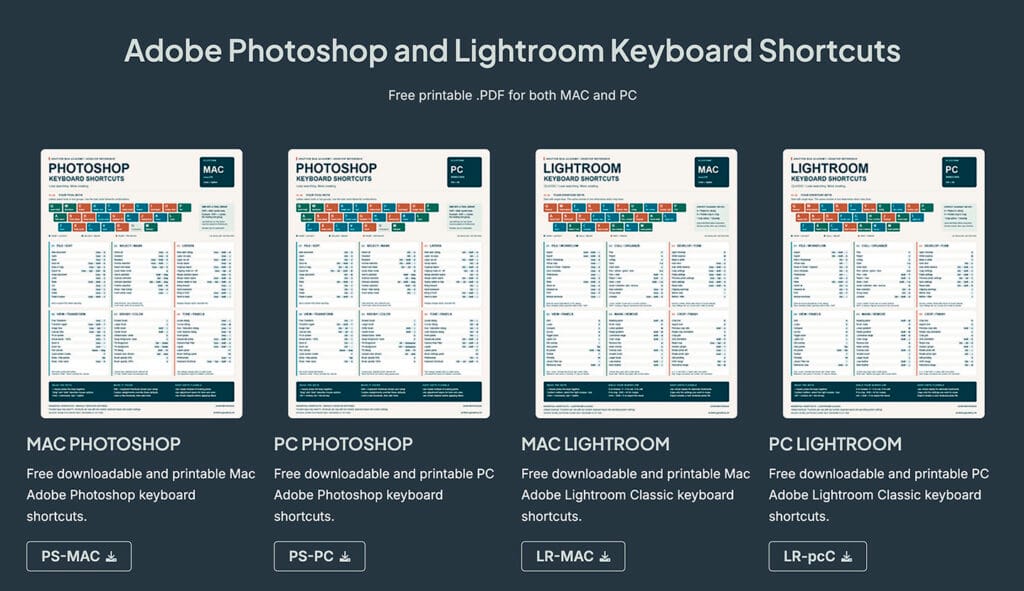
Adobe Photoshop and Lightroom Keyboard Shortcuts
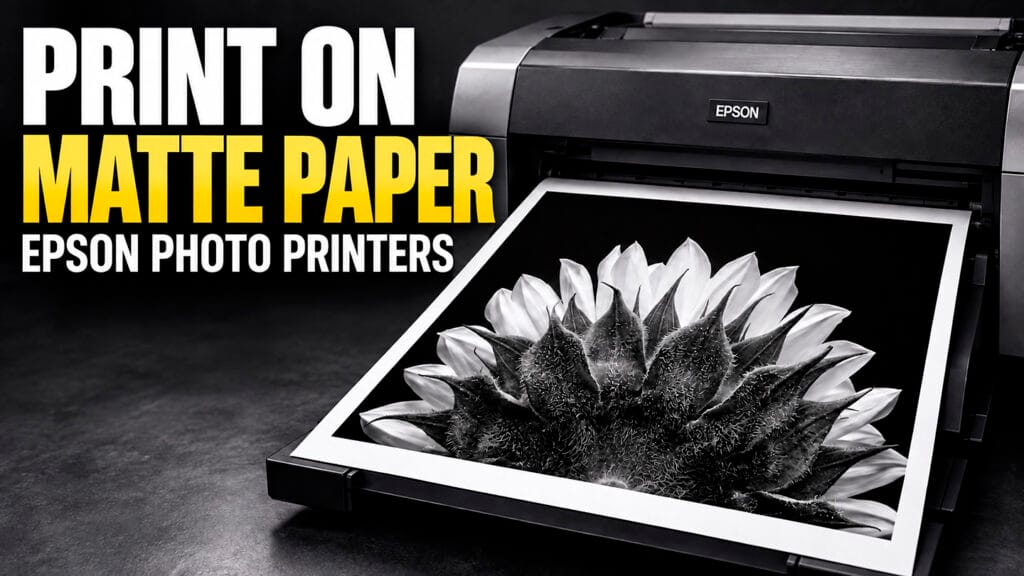
How to Print Matte Sheet Paper with an Epson Printer

How to Find Photography Grants (Complete Guide for 2026)

Capturing Audio for Video and Slideshows

Understanding Photography Lenses: Aperture, Zooms, and What Each Lens Is Optimized For

Understanding Color Gamut in Photography

Creating Slideshows with Audio in Final Cut Pro

Step-by-Step Guide: Creating Slideshows with Audio in Photoshop

Understanding Printing Color Rendering Intents
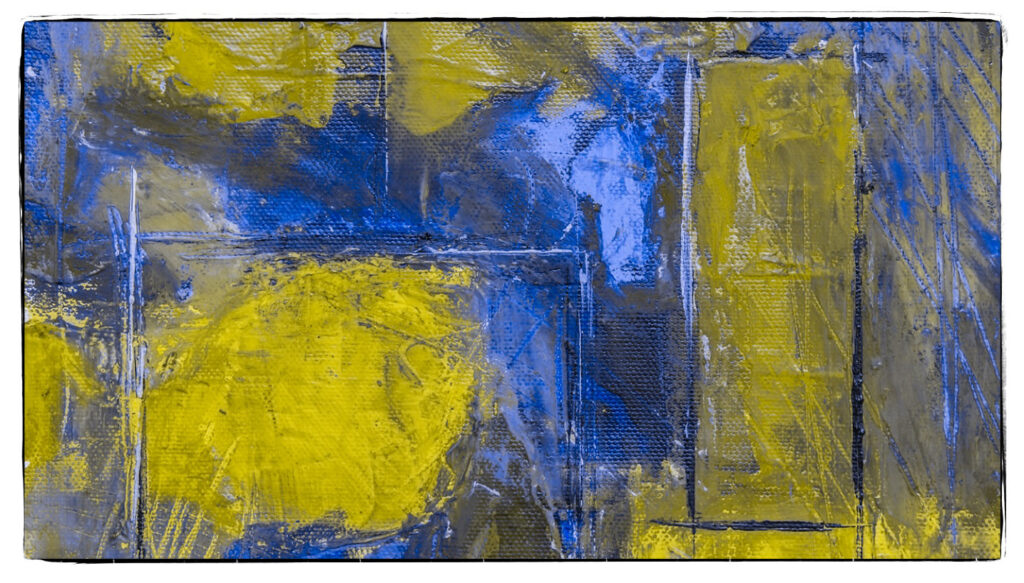
Photoshop Proofing for Protanopia and Deuteranopia Color Blindness

Perfect Colors: Monitor Calibration Like a Pro!

A Deep Dive into JPG and WebP
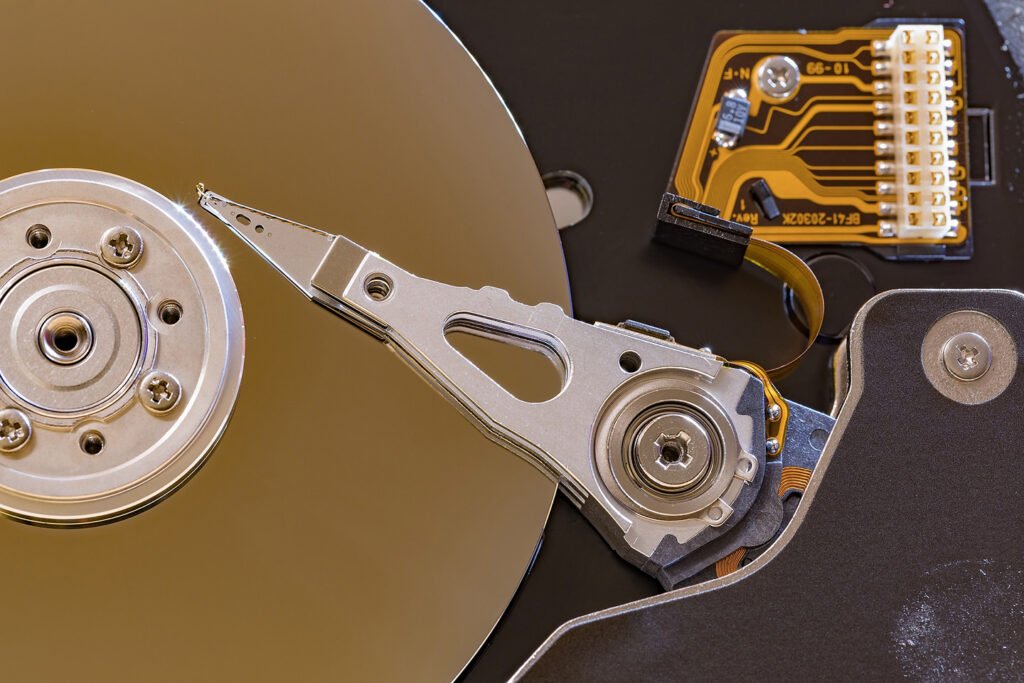
Hard Disc Drive (HDD) verses Solid State Drive (SSD)

Computer Specifications to Run Adobe Software?
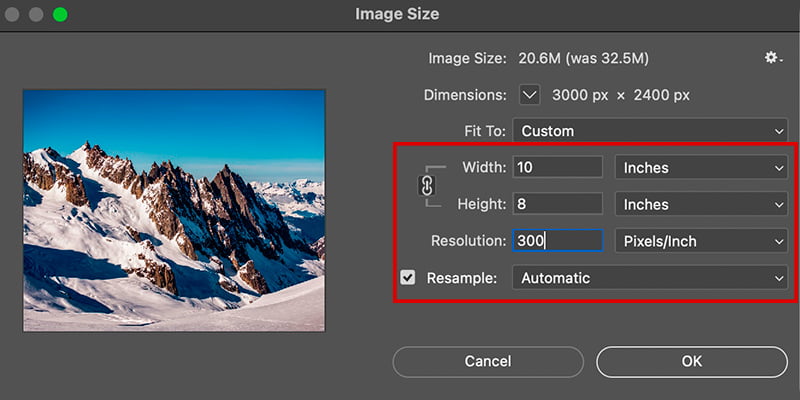
Understanding Pixels Per Inch (PPI), Dots Per Inch (DPI), and Bit Depth in Digital Photography

Understanding Color Management, Color Gamuts, and Color Spaces
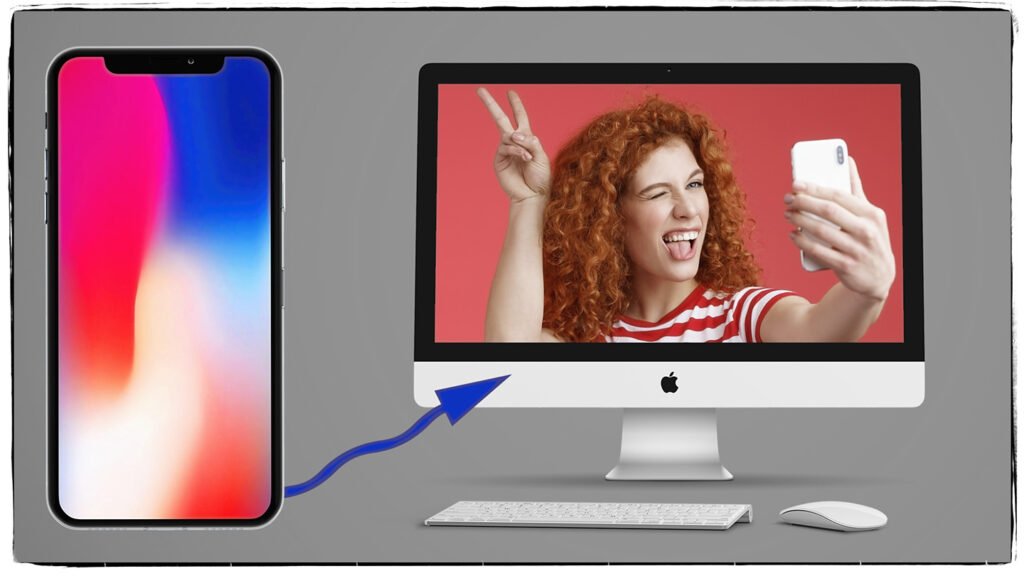
Transfer Photos & Videos from iPhone to a Folder on a MAC

The Ultimate Guide to Camera Memory Cards: Types, Read/Write Speeds, Capacity, and Usage

Miscellaneous Video Tutorials
These miscellaneous video tutorials cover practical photography and technology topics that do not fit within one main category. You will find helpful lessons about memory cards, file transfers, color management, image resolution, computers, storage drives, and web formats.
Use these tutorials to improve your photography workflow and better understand the technology behind digital images.
Camera Memory Cards and File Transfers
The first tutorial explains how camera memory cards work. You will learn about storage capacity, card formats, write speeds, and speed classifications. This information can help you select the correct card for photography or video.
Memory-card labels can seem confusing at first. The SD Association’s speed-class guide provides additional information about Speed Class, UHS Speed Class, and Video Speed Class ratings.
The second tutorial explains how to transfer photographs from an iPhone to a folder on a Mac. Moving images into clearly labeled folders creates a more organized workflow. It also makes your photographs easier to locate, edit, and back up.
Color Management and Color Spaces
Accurate color requires more than a properly exposed photograph. Your camera, monitor, editing software, and printer must interpret color consistently.
These tutorials explain color management, color gamuts, and common color spaces. They also explore the differences among sRGB, Adobe RGB, and ProPhoto RGB.
Understanding these concepts can help you maintain accurate color throughout your workflow. It can also prevent unexpected color changes when you print or publish an image online.
Image Size, Resolution, and Bit Depth
Resizing an image in Adobe Photoshop can be more complex than it first appears. Changing the wrong setting may reduce image quality or create a file that is too large.
These lessons explain pixels, pixel dimensions, pixels per inch, and dots per inch. You will also learn how resolution affects screens and printed photographs.
Bit depth controls how much color and tonal information a digital file can contain. Therefore, understanding 8-bit, 16-bit, and 32-bit files can help you choose the correct format for editing and output.
For more editing instruction, visit the Adobe Photoshop video tutorials.
Choosing a Computer for Photography
Photography, video, and audio programs can place heavy demands on a computer. Processor speed alone does not determine how well those programs will perform.
The computer tutorial explains important specifications, including:
- Processor performance
- System memory
- Graphics capabilities
- Internal storage
- Monitor resolution
- Available ports
- Upgrade options
This information can help you compare computers for Adobe Photoshop, Lightroom Classic, video editing, and audio production.
Hard Drives, SSDs, and File Storage
Your computer’s internal drive should not serve as the only location for important files. Photographs, videos, and audio recordings require a dependable storage and backup plan.
These tutorials compare traditional hard disk drives with solid-state drives. Hard disk drives often provide more storage for the price. However, solid-state drives offer greater speed and contain no moving parts.
You will also learn how drive speed, capacity, durability, and cost affect your storage decisions.
JPG and WebP Images for the Web
Website images must balance visual quality with file size. Large image files can slow a page and create a poor experience for visitors.
JPG remains a common format for photographs. However, WebP can often produce smaller files while maintaining strong image quality.
The web-image tutorial compares JPG and WebP files. It also explains how image dimensions, compression, and file size affect page performance.
Explore More Photography Tutorials
This collection will continue to grow as I add lessons that do not fit within the main tutorial categories.
You can also explore the Photography Learning Hub for lessons about cameras, exposure, lighting, and other essential photography topics.
Check back for new miscellaneous video tutorials about photography, digital imaging, computer technology, file management, and creative workflows.
Have a wonderful day!
Shutter Bug Academy