When Color Becomes a Distraction, the Fix Can Be Simple
By John Whitehead
You love the expression. The light is beautiful. The composition works. But every time you look at the photograph, your eye goes straight to a red chair in the background.
Before you spend an hour trying to correct every color—or decide the photograph is a failure—try something simple: switch to black and white.
Sometimes the problem is not what you photographed. It is the competition between the colors inside the frame. Remove that competition, and the photograph can finally say what you intended.
Ask yourself: Is the color helping tell the story, or is it getting in the way?
01
When Color Steals the Attention
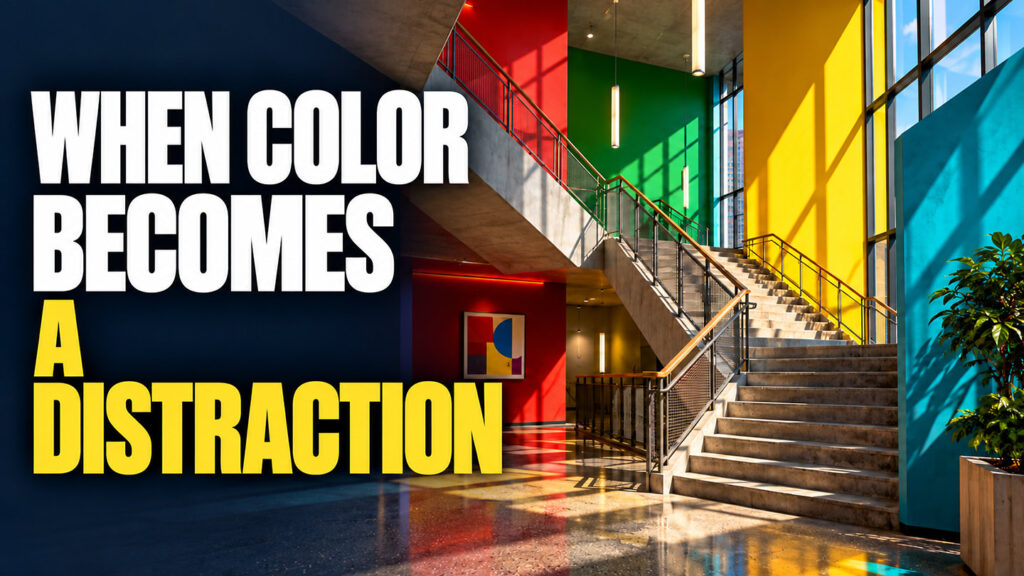
Color can be a powerful part of a photograph. It can establish mood, separate a subject from its surroundings, and create visual relationships. However, a strong color does not automatically belong in a strong image.
A red sign behind someone’s head can compete with their expression. A bright yellow shirt at the edge of a frame can pull attention away from the main subject. Several unrelated colors can make a quiet scene feel restless.
This is especially frustrating when you cannot control the environment. In a candid portrait, a family gathering, or a street photograph, you may capture a moment that will never happen again. The expression matters more than the unfortunate paint color behind it. However, the subject can compete for visual attention with color, or texture in the image. The photographer controls the movement though the image.
LEFT: Red, turquoise, and yellow compete for attention. RIGHT: Removing those hues lets the expression become more prominent. The chair and background remain; their color is no longer the distraction.
Black and white can reduce that competition. Instead of comparing red against green or yellow against blue, the viewer responds to light, shadow, shape, texture, and expression.
There is an important catch: a bright object can still attract attention after its color disappears. A pale chair may remain distracting as a light gray shape. Removing color is a useful first step, but you still need to look carefully at the whole frame.
02
When the colors do not belong together
Some photographs contain colors that simply do not support each other. A portrait may combine a green wall, orange furniture, a purple shirt, and warm skin tones. None of those colors is necessarily wrong by itself. Together, they can overwhelm the photograph.
You could selectively reduce saturation, adjust individual colors, or change your crop. Those are useful options. But if the photograph is really about someone’s expression, the relationship between two people, or the direction of the light, color may not be essential at all.
Try the black-and-white version and ask what you notice first. If your attention moves directly to the subject, the conversion may have solved the real problem.
03
When mixed lighting makes color difficult
Imagine photographing someone beside a window while warm indoor lights illuminate the other side of the room. The daylight and interior lamps can produce different colors in different parts of the photograph. Add a colored wall reflecting light onto the subject, and skin tones can become even harder to balance.
A single white-balance adjustment affects the entire image. It may improve one area while making another look less natural. Local corrections can help, but they may take time—and the color may not be important to the moment you captured.
Black and white removes the visible hue differences. A warm patch and a cool patch become shades of gray. This can make a photograph feel more cohesive, especially when expression or gesture is the reason to keep it.
It does not repair clipped highlights, missing detail, or uneven illumination. If one side of the face is much brighter, that difference remains. You may still need a local brightness adjustment.
04
Let light, shape, and texture carry the image
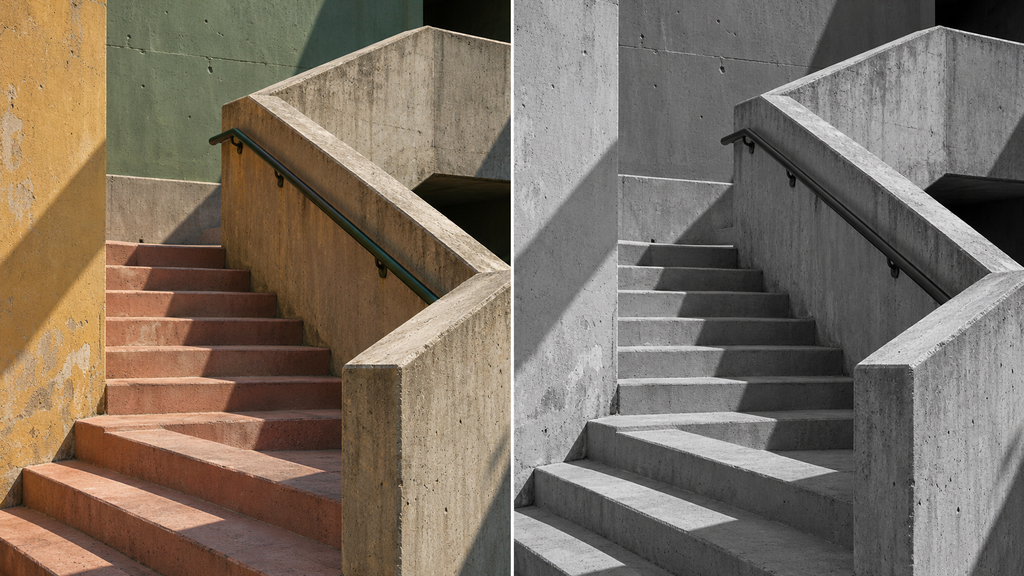
LEFT: Painted surfaces introduce several competing hues. RIGHT: The staircase reads more directly as a pattern of light, shadow, and repeating angles.
Some photographs become stronger when their structure becomes easier to see. A staircase may be interesting because of its repeating angles. A weathered door may work because of the relationship between rough wood and peeling paint. A portrait may depend on a narrow strip of light across the face.
Removing color can make those relationships more apparent. The viewer has fewer competing signals to sort through.
Look for bright edges against dark backgrounds, overlapping shapes, repeating lines, and surfaces that catch directional light. These are useful starting points for a black-and-white photograph.
Do not assume that stronger means more contrast everywhere. A quiet portrait can work beautifully with delicate grays. An architectural image may benefit from deeper shadows. Let the subject determine the treatment.
05
Removing color is the beginning of the edit
A quick conversion may look flat. That does not necessarily mean black and white is the wrong choice. A perfectly edited image in color never translates into a perfectly edited black and white. Lack of color can remove visual separation in a gray scale image.
For example, a red flower and green leaves may be easy to distinguish in color but blend together after conversion. The solution is to control how those colors become tones: make one lighter, the other darker, or use a subtle local adjustment.
Think in terms of separation. Can you distinguish the subject from its background? Does the face have enough brightness to hold attention? Are important textures still visible? Are bright corners pulling your eye out of the image?
Keep the original color file. Even when the finished photograph is monochrome, its color information gives you useful control over the conversion.
06
A simple, reversible Photoshop workflow
1. Start with your color image. Make basic exposure corrections and keep an untouched original.
2. Add a Black & White adjustment layer. Choose Layer → New Adjustment Layer → Black & White. This keeps the conversion editable.
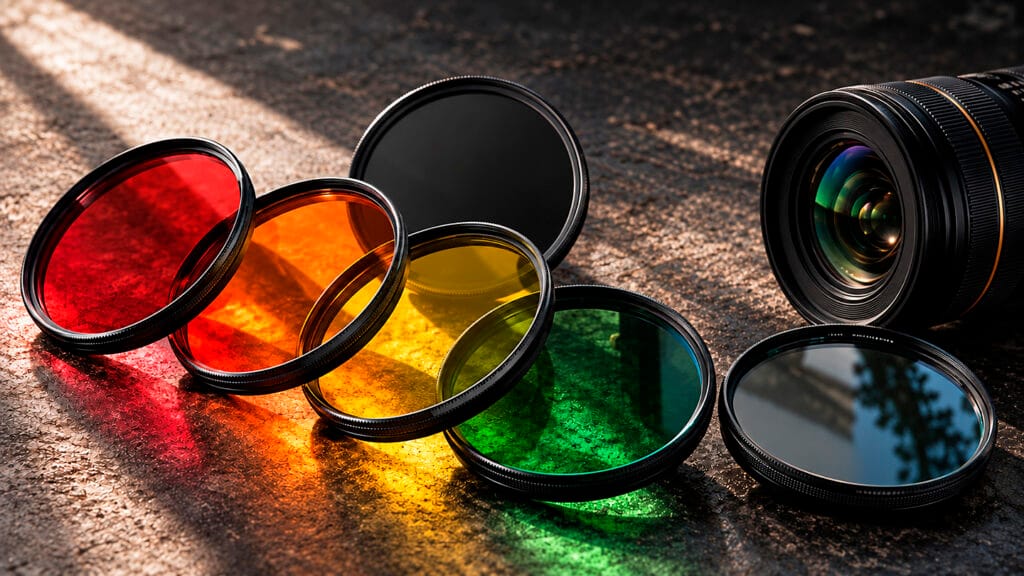
3. Adjust the color sliders. These controls change how the original colors translate into gray. Move them gradually while watching the subject and background.
4. Refine the tonal relationships. Use a Curves or Levels adjustment layer if needed. Aim for useful separation rather than forcing every image to contain pure black and pure white.
5. Guide attention locally. Use adjustment-layer masks for restrained lightening or darkening where needed.
6. Compare and save. Toggle your conversion and supporting adjustments together to compare with the color version. Save a layered master and export a separate finished copy.
Inspect the photograph at full size as well as fit-to-screen. Extreme color-slider changes can exaggerate noise, create harsh transitions, or make skin look unnatural. A convincing conversion usually needs less force than you think.
07
When you should keep the color
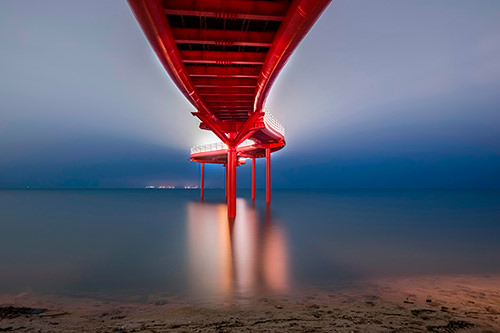
If color is the reason the photograph works, removing it may weaken the image. A red umbrella against a gray city, the relationship between complementary colors, or the warm glow of a sunset may carry the entire idea.
Color also communicates information. A photograph about a painter’s palette, a product’s finish, or the changing colors of autumn may lose its purpose in monochrome.
And black and white cannot create a compelling moment, correct missed focus, or remove a poorly placed object. It can change the way an image reads, but the underlying photograph still matters.
The goal is not to make every photograph black and white. The goal is to decide whether color earns its place.
08
Try this before you delete the photograph
Choose three images you like except for their color. Look for a distracting background, awkward mixed lighting, or a scene where shapes and textures matter more than hues.
Create a black-and-white version of each. Spend a few minutes refining the gray values, then compare the versions at the same size. Where does your eye go first?
1. Is the subject easier to recognize? 2. Does the mood better fit the moment? 3. Did you lose any information that mattered? 4. Choose the version that communicates more clearly. Sometimes that will be color. Sometimes the image you nearly rejected will become the one you keep.
When color ruins your image, the fix can be simple. Take the color away—and see what remains.